 Dial
Podcasts without the backlog
Dial treats podcasts like radio you programmed yourself. Open it, press play, and something you want is already up next.
Coming soon to the App Store. Free, for iPhone.
One setting per show
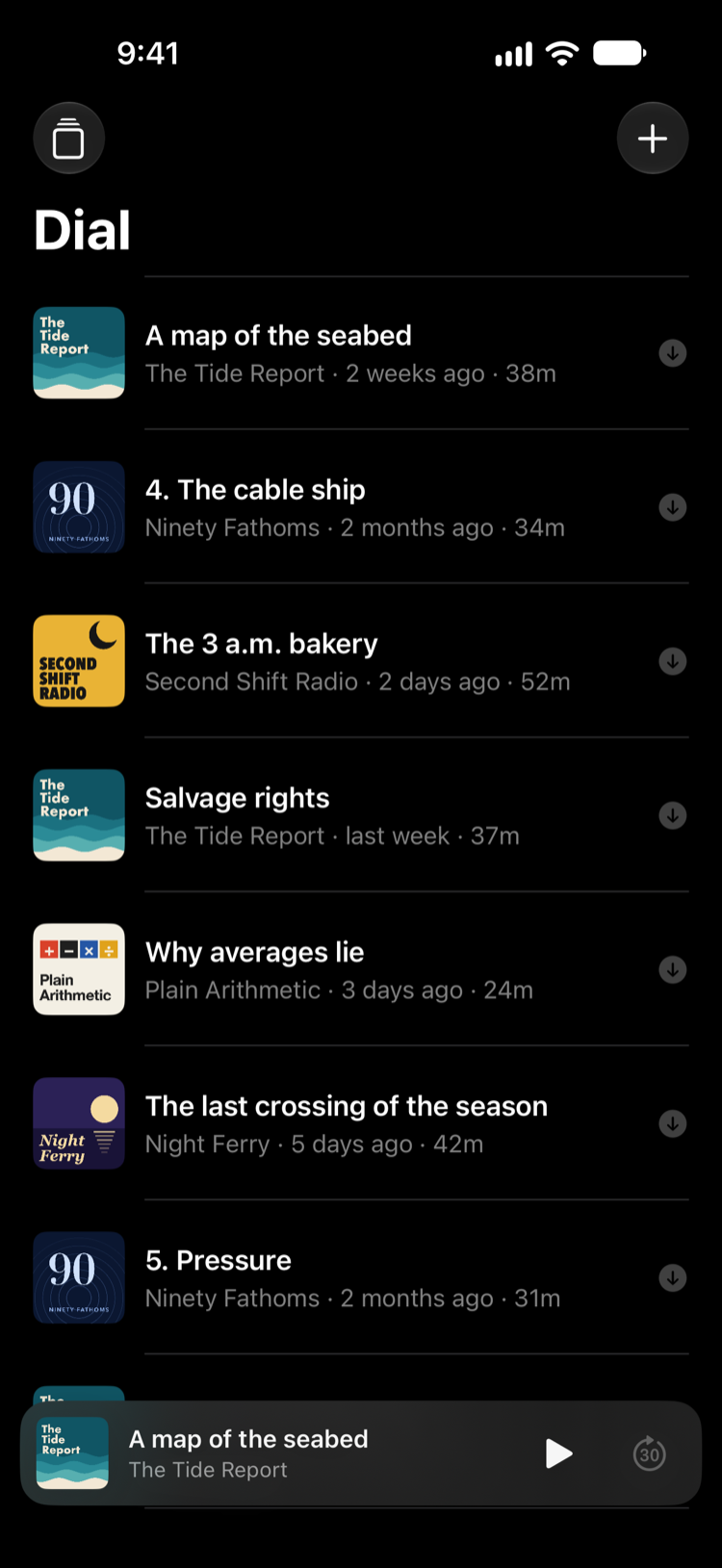
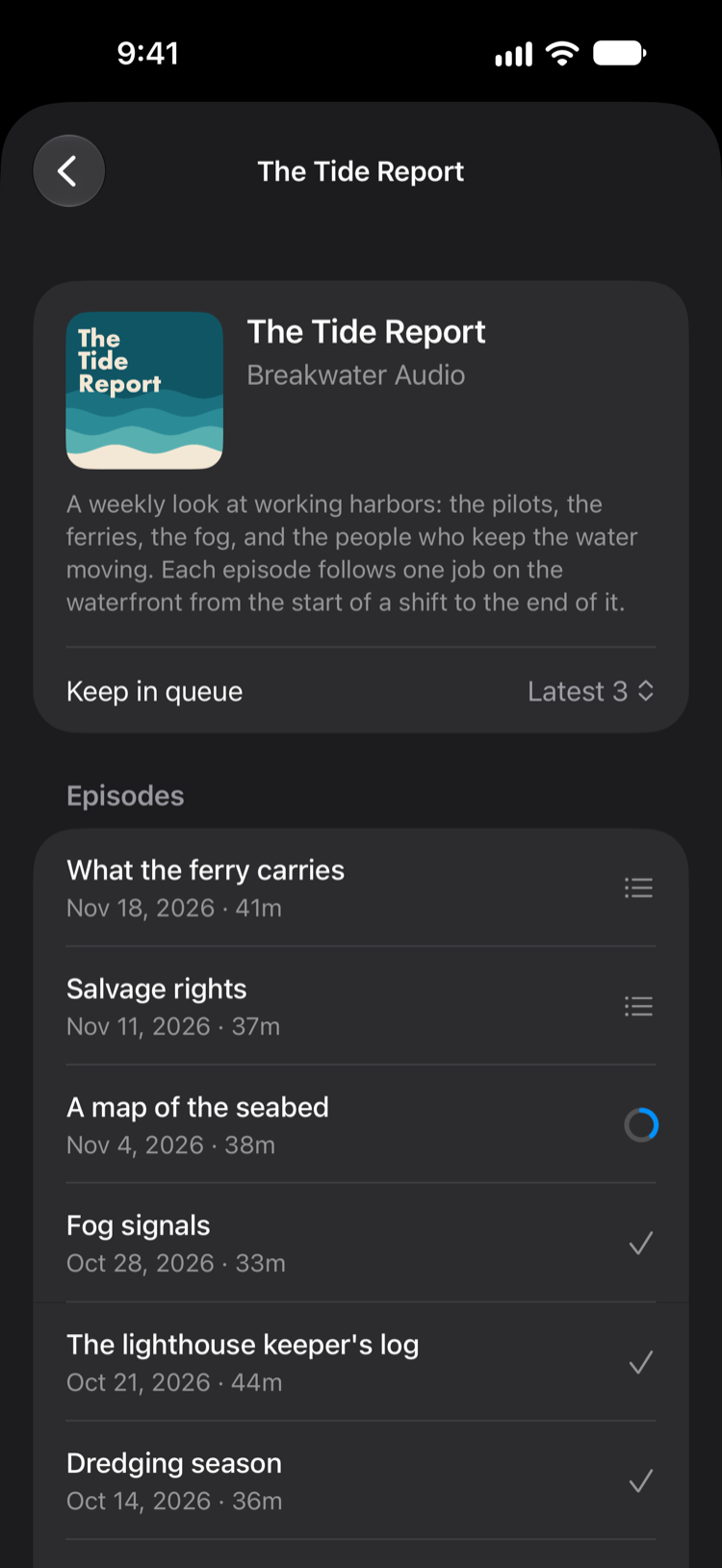
Most podcast apps hand you every episode and leave the sorting to you. In Dial each show has a single setting, and anything older drops off quietly. Turn the knob to see what each one does.
Only the newest episode of The Tide Report waits in your queue. When the next one arrives, this one steps aside.
- 214 What the ferry carries
The three newest episodes of The Tide Report, oldest first. Anything older has already dropped off.
- 212 A map of the seabed
- 213 Salvage rights
- 214 What the ferry carries
Every new episode of The Tide Report joins your queue and stays until you play it.
- 210 The lighthouse keeper's log
- 211 Fog signals
- 212 A map of the seabed
- 213 Salvage rights
- 214 What the ferry carries
The Tide Report starts from its first episode. Finish one and the next arrives, so the story stays in order.
- 1 Low water
- 2 The harbor pilot
The queue is the whole app
No feed, no tabs, and no count of what you have not heard. Everything else is one tap from the queue and gets out of the way again.
What you get, and what you don't
- Ready offline
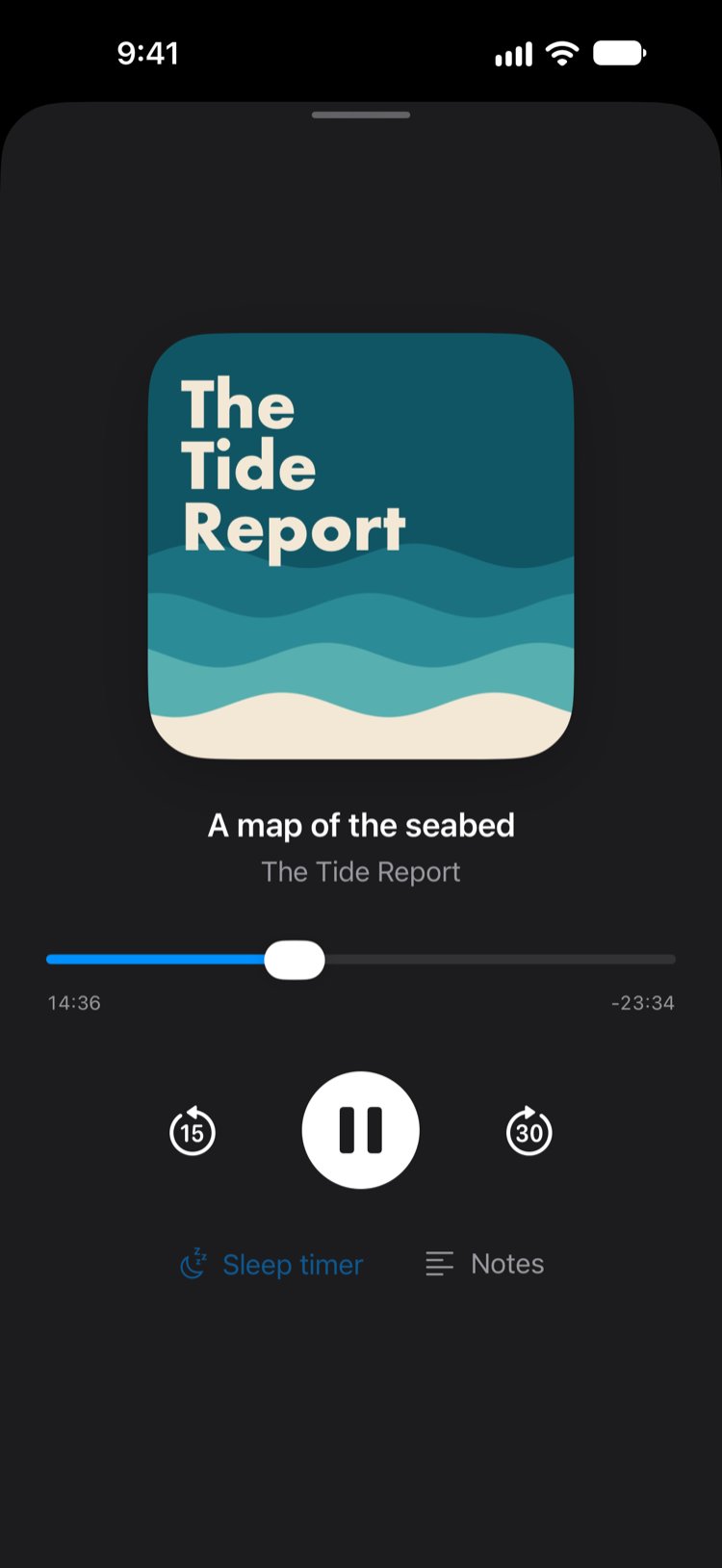
- The next ten episodes in your queue download on Wi-Fi and are cleaned up after you listen.
- Easy to switch
- Search Apple's podcast directory, listen to an episode before you add a show, or import your subscriptions from another app with an OPML file.
- Yours to keep
- Save any episode's audio to Files. The copy is yours, and Dial never deletes it.
- No ads, no account
- Dial has no server. Your phone fetches shows directly from their publishers, and what you listen to stays on your device.
- Free
- No subscription and nothing to unlock.